
Free for Mac
CursorMagic
Your cursor. Your style.
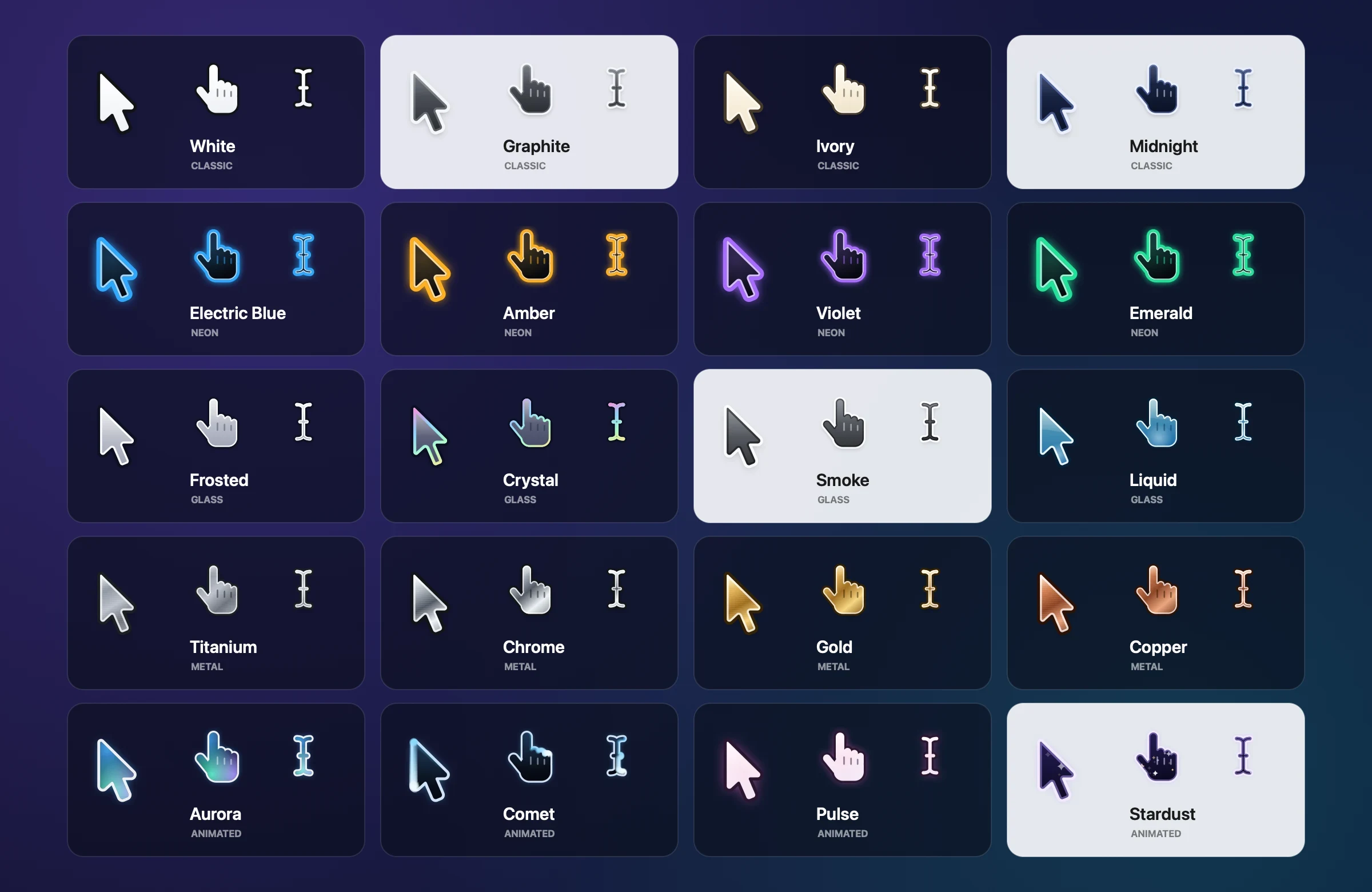
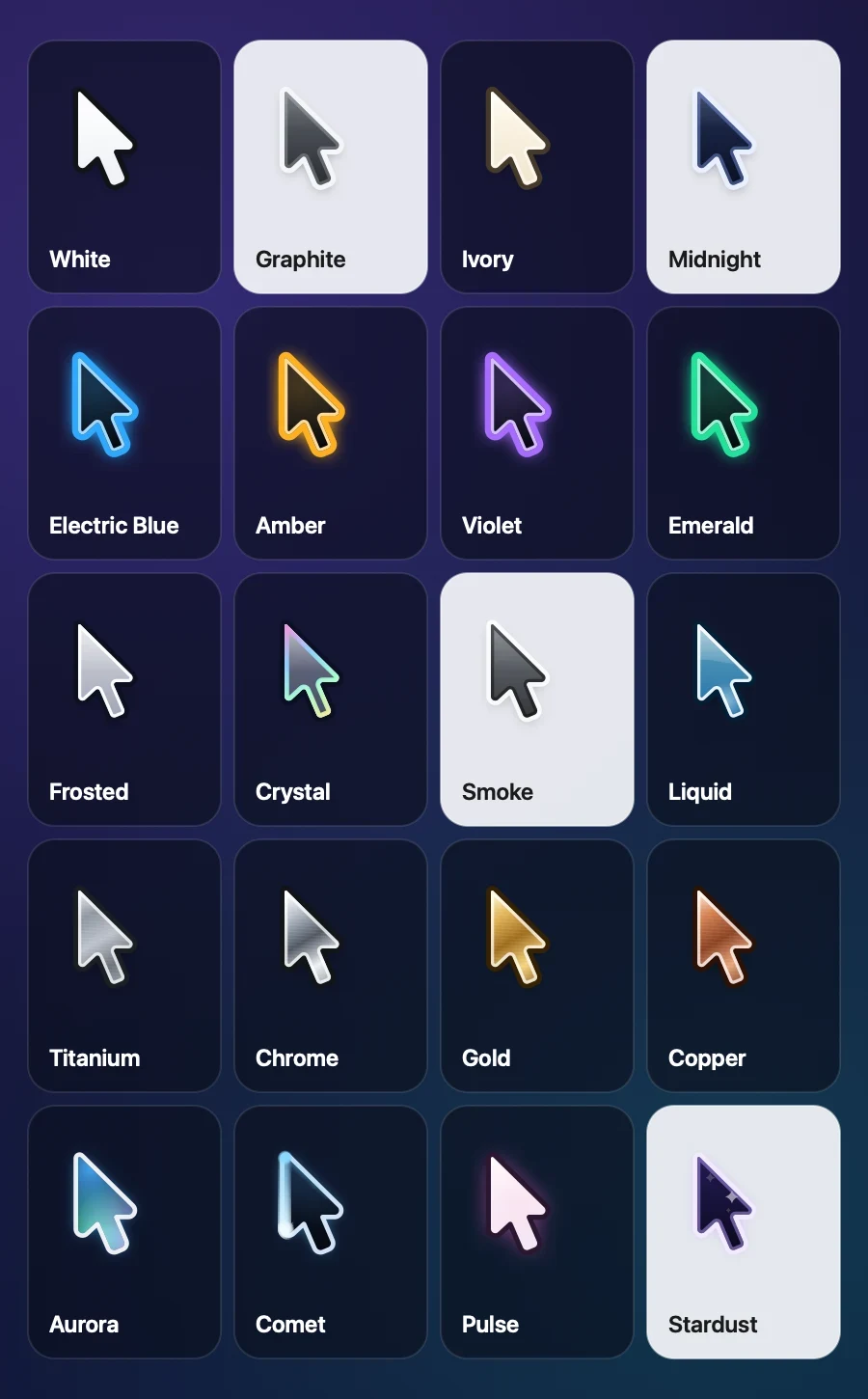
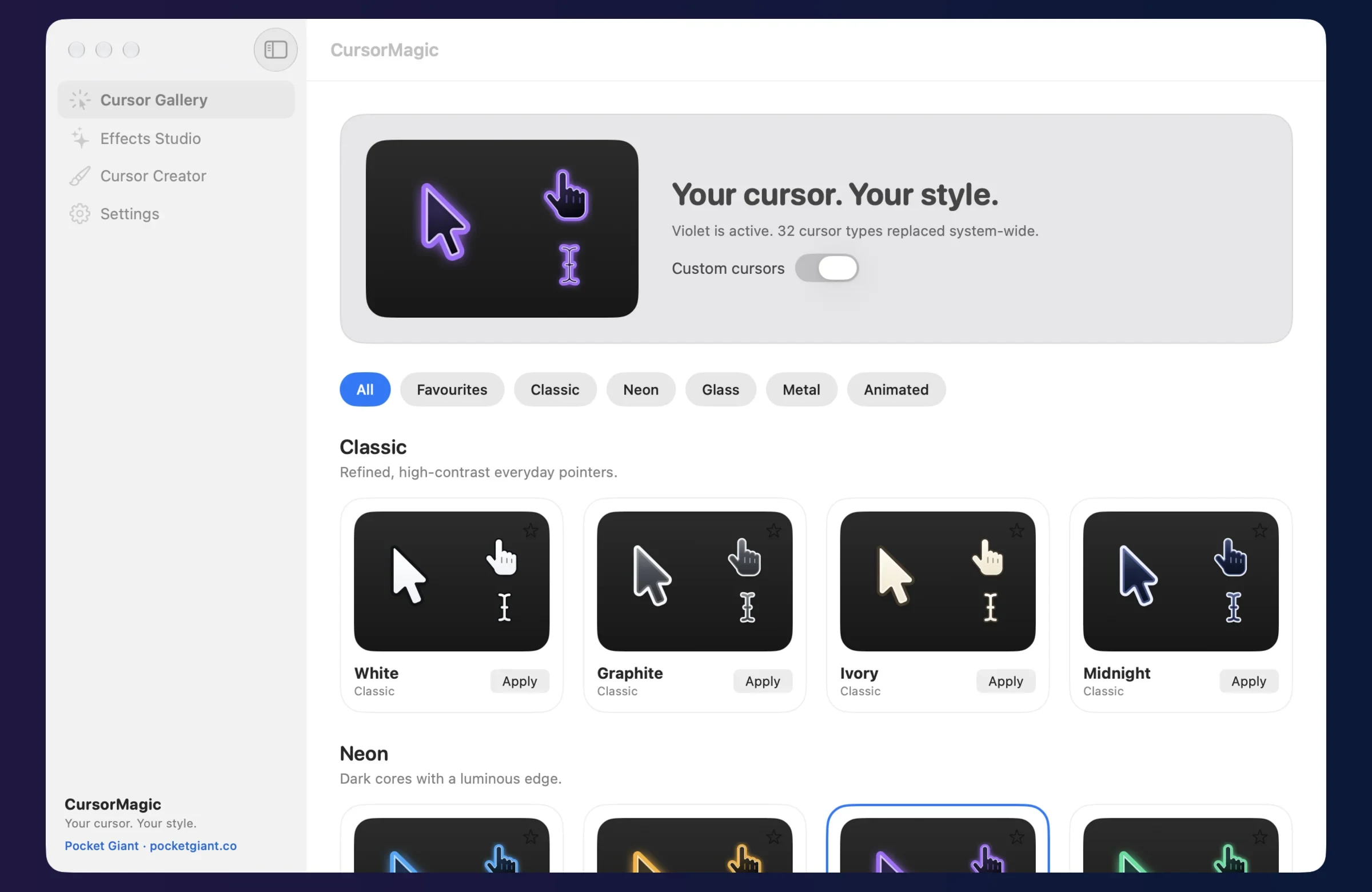
CursorMagic gives your Mac’s pointer a whole new look. Choose from 20 original designs, add effects that follow your movements and clicks, or bring your own artwork. Switch back to the standard pointer whenever you like.
How it works
-
Twenty original designs
Five collections: Classic, Neon, Glass, Metal and Animated. Every design is drawn from scratch and covers more than 30 cursor types, from the link hand to every resize arrow.
-
Pointers that move

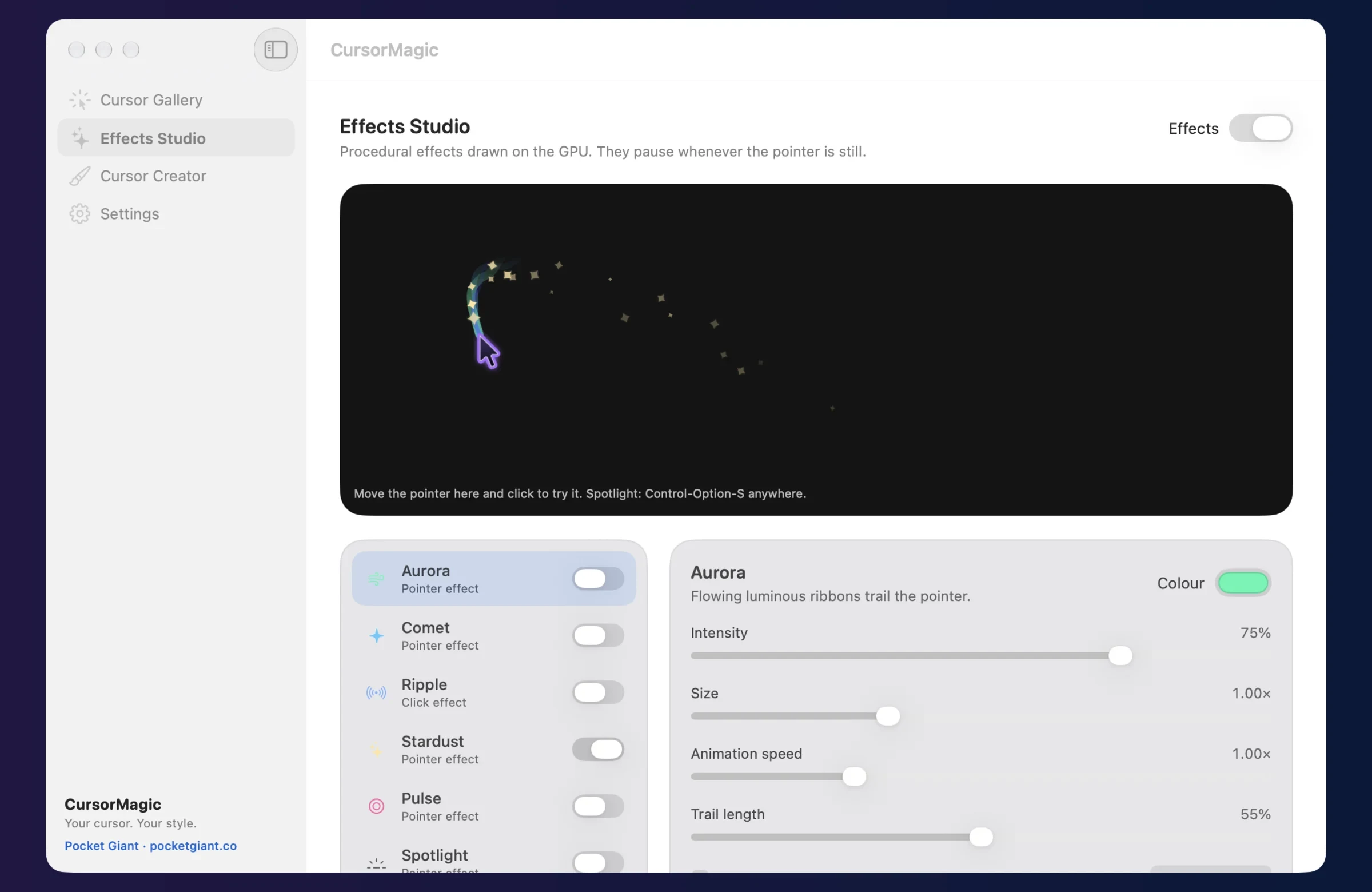
Aurora, Comet, Pulse and Stardust are animated, and so is the wait cursor in every design.
-
Effects Studio
Aurora trails, Comet particles, click Ripples, Stardust, a breathing Pulse halo and a presentation Spotlight, with colour, intensity, size and speed controls.
-
Make your own
Import PNG or SVG artwork, click to set the hotspot, choose the size and save it as a preset.
-
Spotlight for presentations
Press Control-Option-S anywhere to dim the screen around your pointer, and again to switch it off.
Install
- Download the disk image and open it.
- Drag CursorMagic into Applications.
- Open CursorMagic. It is signed by Pocket Giant and notarised by Apple, so the first time macOS simply asks you to confirm opening an app downloaded from the internet. Choose Open.
Good to know
- How it changes your pointer.
- Link, hand, resize, zoom and other cursors are replaced in every app. macOS protects the arrow and text cursors, so CursorMagic draws those in a click-through layer that follows your real pointer. Clicks always go straight to your Mac.
- Lightweight and private.
- Animation pauses whenever the pointer is still, and effects run on the GPU. No accounts, analytics or network connections. Reset to the standard pointer at any time from the menu bar.
Made by Pocket Giant. Signed with Pocket Giant’s Developer ID and notarised by Apple.